
Watch in a Web Browser
Viewers can join a Pixelview session in a browser at play.pixelview.io, with nothing to install.
| Browser | Picture |
|---|---|
| Chrome, Edge and other Chromium browsers | SDR and HDR (PQ), 10-bit. Recommended. |
| Safari | SDR only, up to 10-bit 4:2:0 |
| Older browsers | May not support playback, device selection or collaboration features |
Join a stream
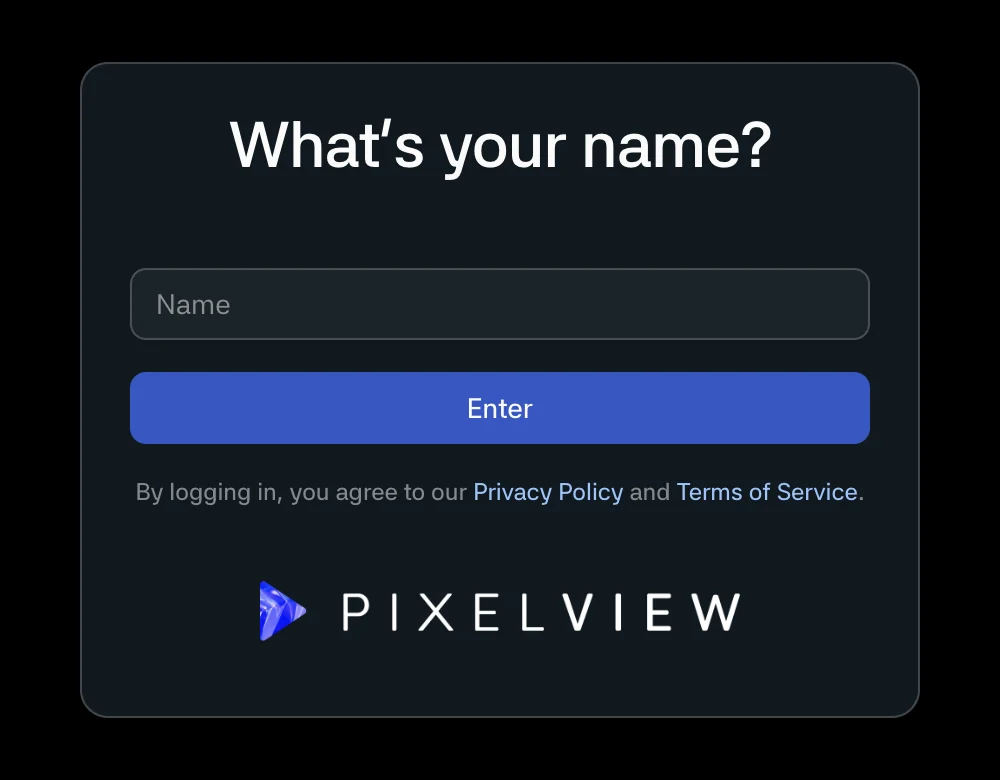
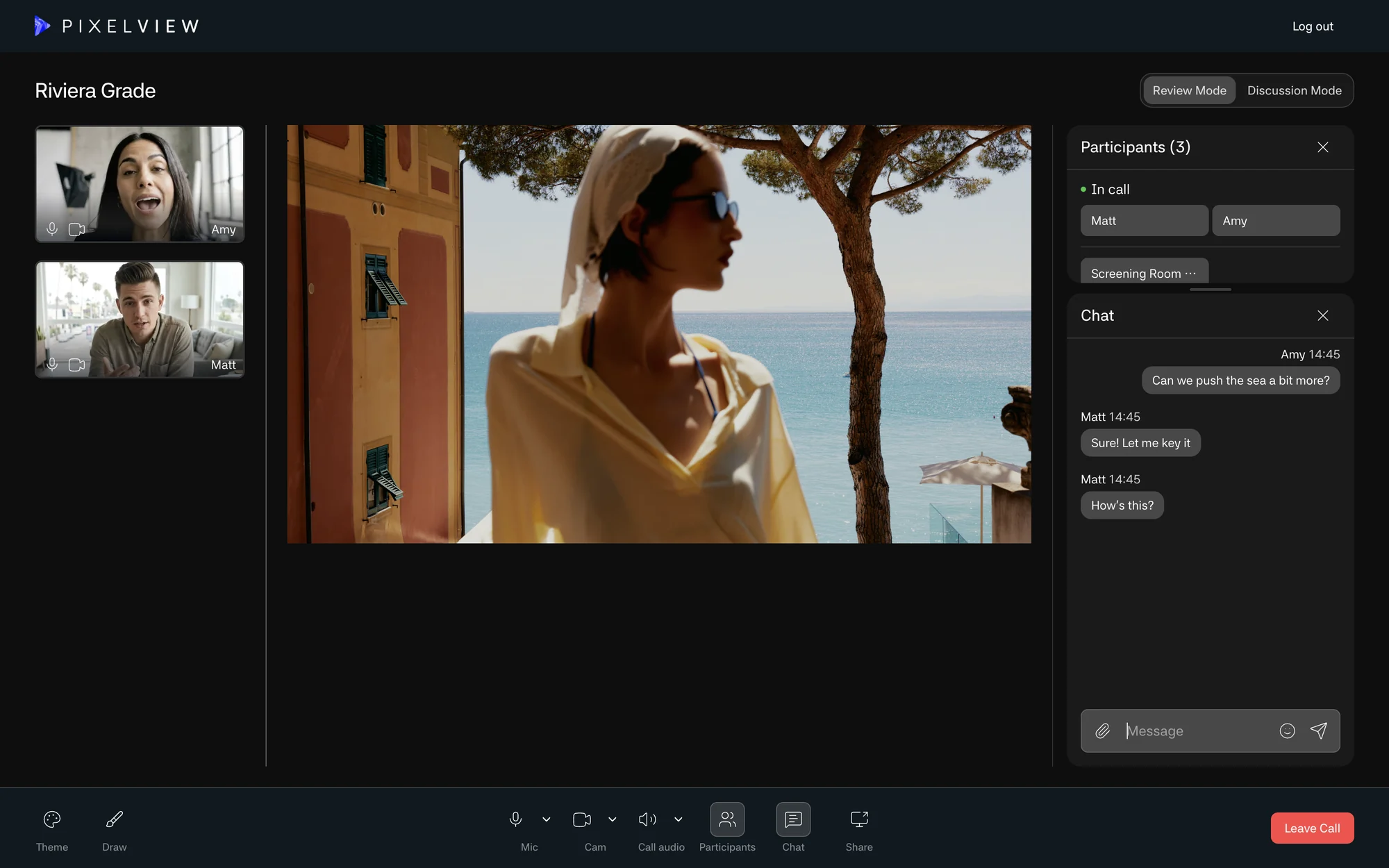
- Open the Watch link or the email invite from the host.
- Enter your name, and the password if the link does not include one.
- Accept the terms and privacy prompts if shown.
- If the stream starts muted, click the prompt to enable sound. Browsers often block audio autoplay.
Once in, you can use text chat (with attachments and emoji), video chat, screen sharing and annotations, and switch the background between black, gray and white unless the host has fixed it in Admin. See Collaboration Tools.
For HDR or high-bit-depth review, use Chrome or Edge on an HDR-capable display, and test before the client session. Treat Safari as SDR only.
Troubleshooting
- Check the link, session ID and password.
- Refresh the page, or switch to Chrome or Edge.
- Ask the host whether the stream is live or paused. While it reconnects, the player shows a still image.
- If the session is full, wait for a slot or ask the host to raise the viewer limit.
- Ask the host to check viewer stats in Admin.