
Pixelview Desktop for Windows, and 10-bit 4:4:4 to SDI
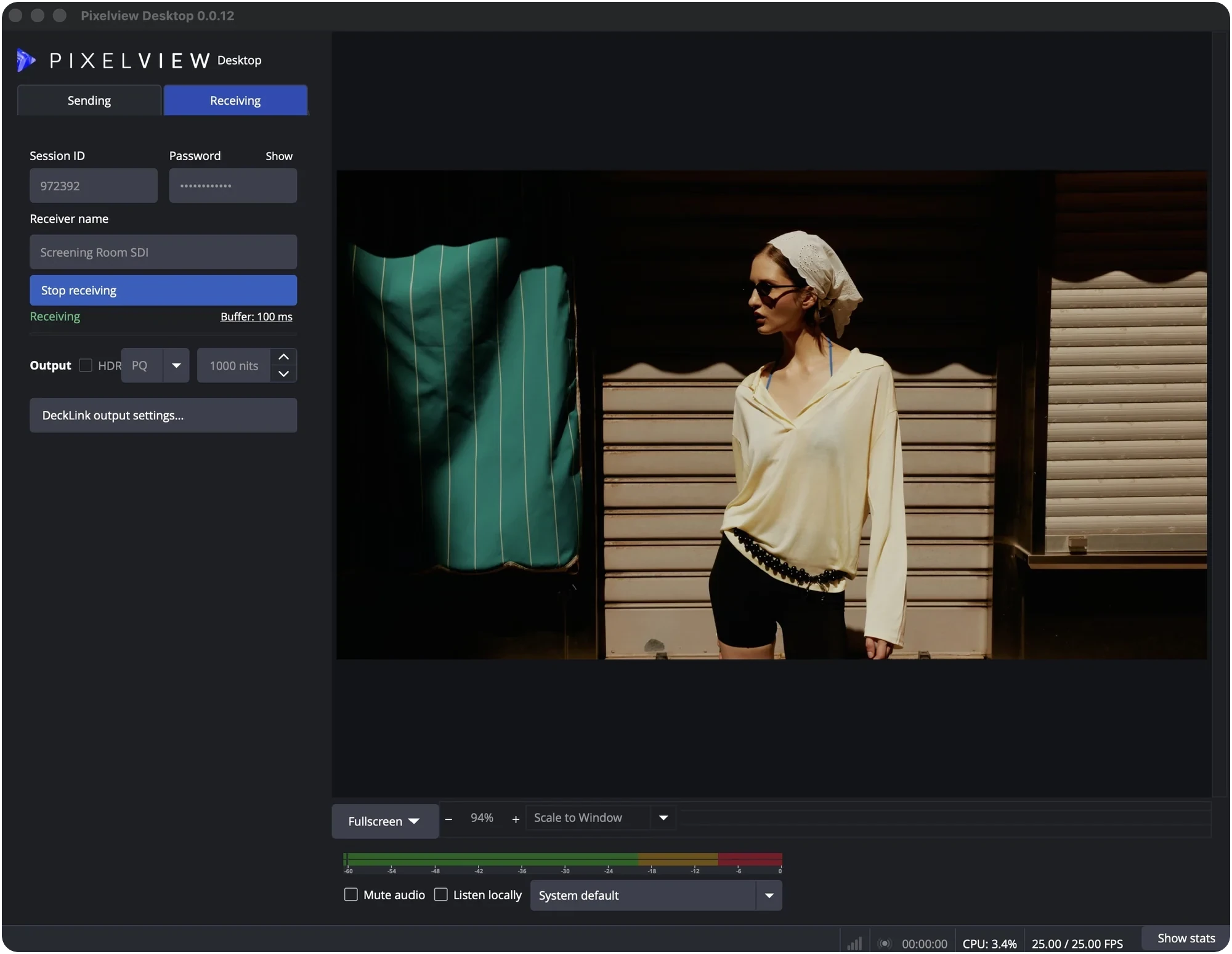
This release adds Windows support for sending, HDR sending on Mac and Windows, and 10-bit 4:4:4 on the Mac.
macOSApple Silicon, macOS 14 or laterDownload for Mac
Windows64-bit Windows 10 (22H2) or Windows 11Download for Windows
Changes
- Windows. Pixelview Desktop runs on 64-bit Windows 10 and 11. It pairs with an encoder, captures from Blackmagic DeckLink and UltraStudio devices and streams with NVIDIA, AMD or Intel hardware encoding. Receiving is not yet available on Windows; use a Mac to receive.
- 10-bit 4:4:4 on the Mac. Pixelview Desktop captures an RGB 4:4:4 SDI signal and sends it with the main 4:4:4 10 profile. A Pixelview Desktop receiver can play it out as 10-bit 4:4:4 RGB. The iPhone and iPad apps also play it natively; browsers get a version converted on the server, with some extra delay.
- HDR sending. On Mac and Windows, the encoder's Input Color Profile in Admin sets whether Pixelview Desktop sends SDR or HDR (PQ or HLG, including P3-D65).
- SDI output options. The receiver can play HDR sessions out with HDR metadata. Output range can be set to limited or full.
- Connection quality in Admin. While a desktop streams, Admin shows its round trip, packet loss, jitter and bitrate.
Get started
- Set up Pixelview Desktop and start sending. We recommend the main10 profile for most sessions.
- To watch on an SDI monitor, receive the session on a Mac.
Questions? Email hello@pixelview.io.