
Connect OBS to Pixelview
OBS connects to Pixelview over WHIP, the low-delay connection. You need two values from Pixelview Admin. For capture, quality and color settings, follow OBS Studio Setup.
1. Copy the Server and Bearer Token
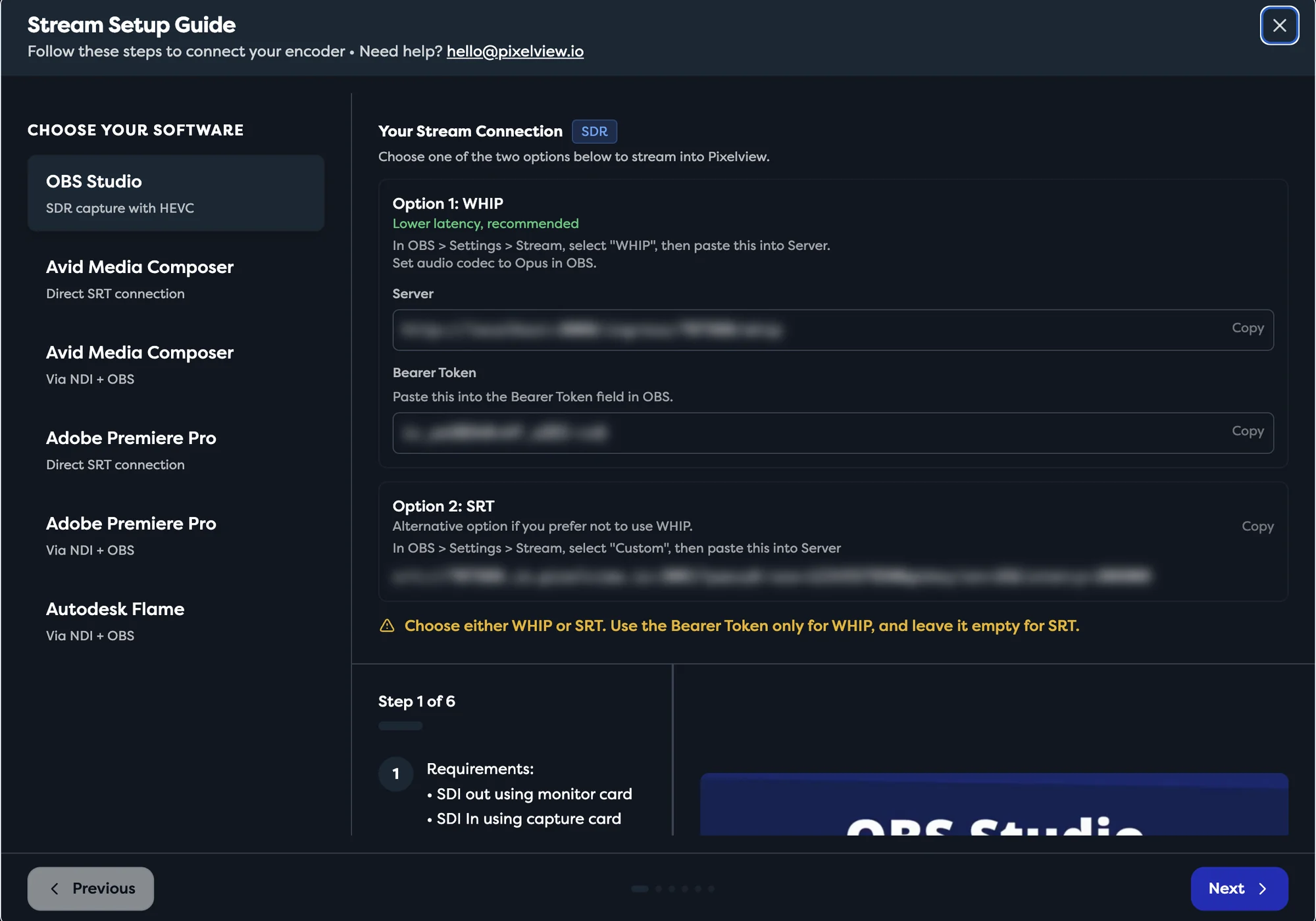
On the project page in Pixelview Admin, open Setup Instructions, choose OBS Studio, and use Option 1: WHIP.
2. Paste them into OBS
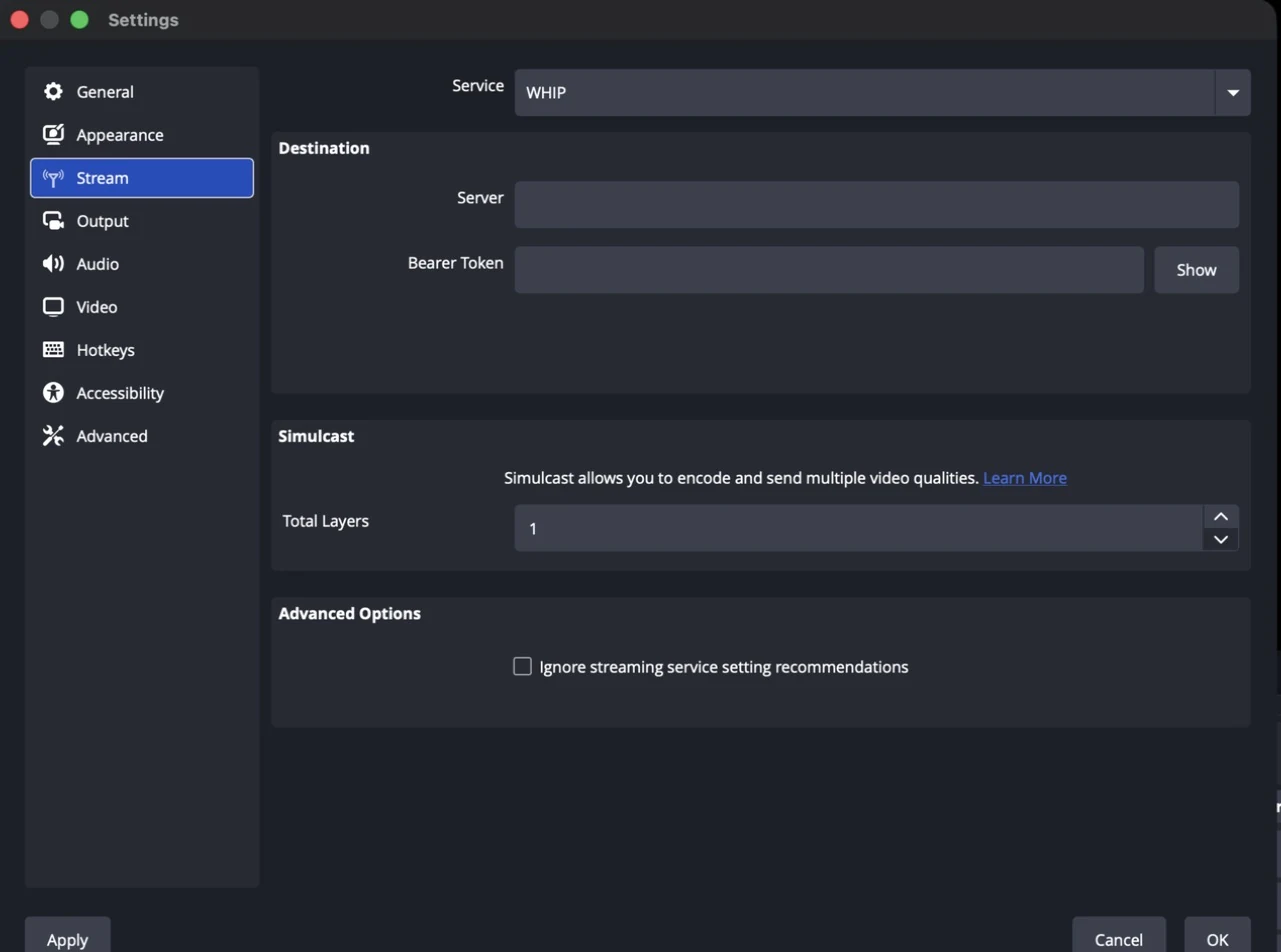
Open Settings → Stream:
| Setting | Value |
|---|---|
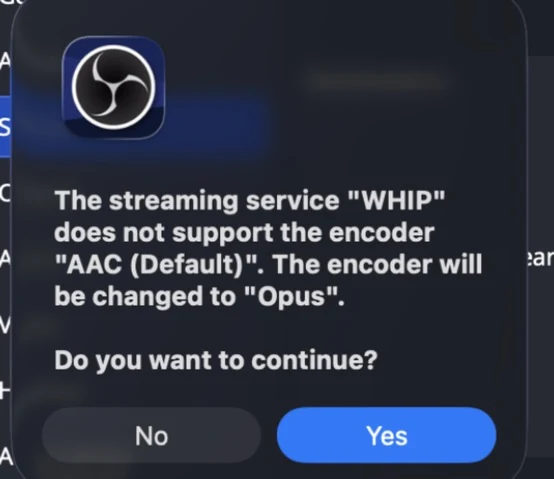
| Service | WHIP. OBS then asks to change the audio encoder to Opus; click Yes. |
| Server | Server from Setup Instructions |
| Bearer Token | Bearer Token from Setup Instructions |
Click Apply, then Start Streaming. If OBS does not list WHIP, update OBS Studio. If OBS cannot connect, see Troubleshooting.